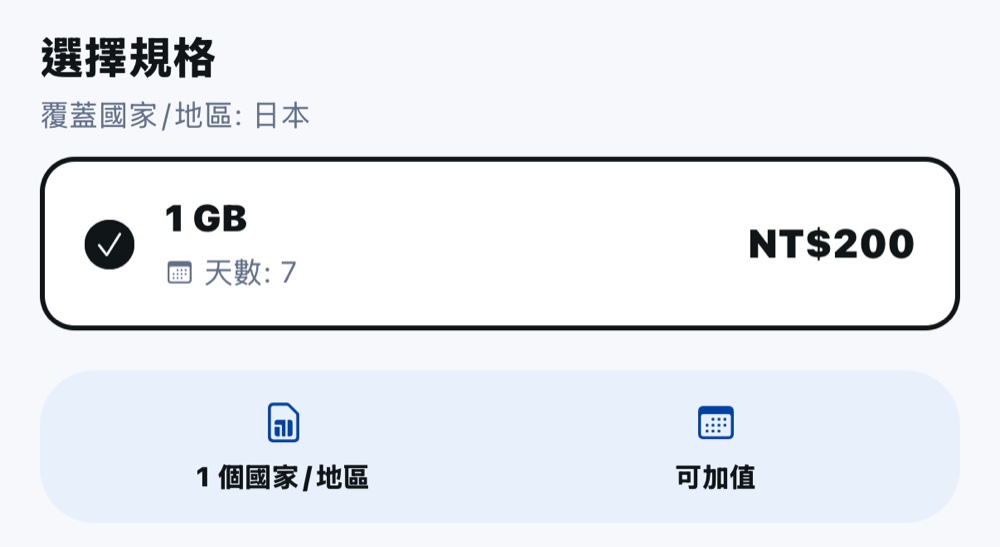
01 Choose a plan
Start with your destination.
Browse plans by destination and compare data, duration, and price to find one that suits your trip.
- Visiting several countries? Check whether a regional plan covers every stop.
 Veyoka
Travel eSIM app
Choose a data plan for your destination and follow the in-app setup guide. Check your remaining data and expiry date while you travel.


Check that your phone supports eSIM before you get started.
See how it works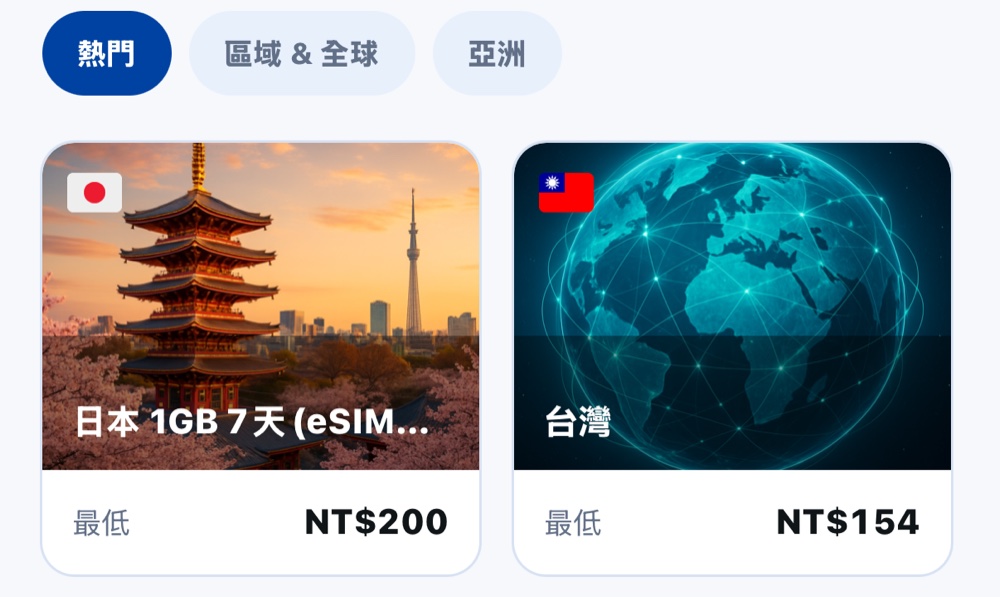
How it works
01 Choose a plan
Browse plans by destination and compare data, duration, and price to find one that suits your trip.
02 Set up your eSIM
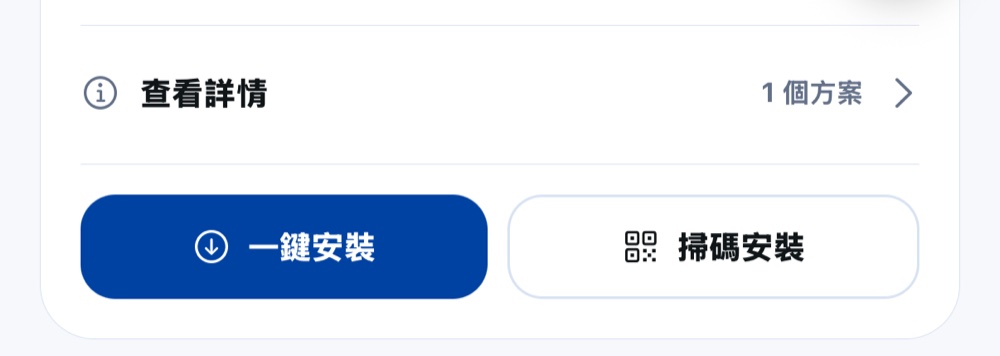
When your eSIM is ready, open the app to find the setup options and follow the instructions for your phone.
03 Track your usage
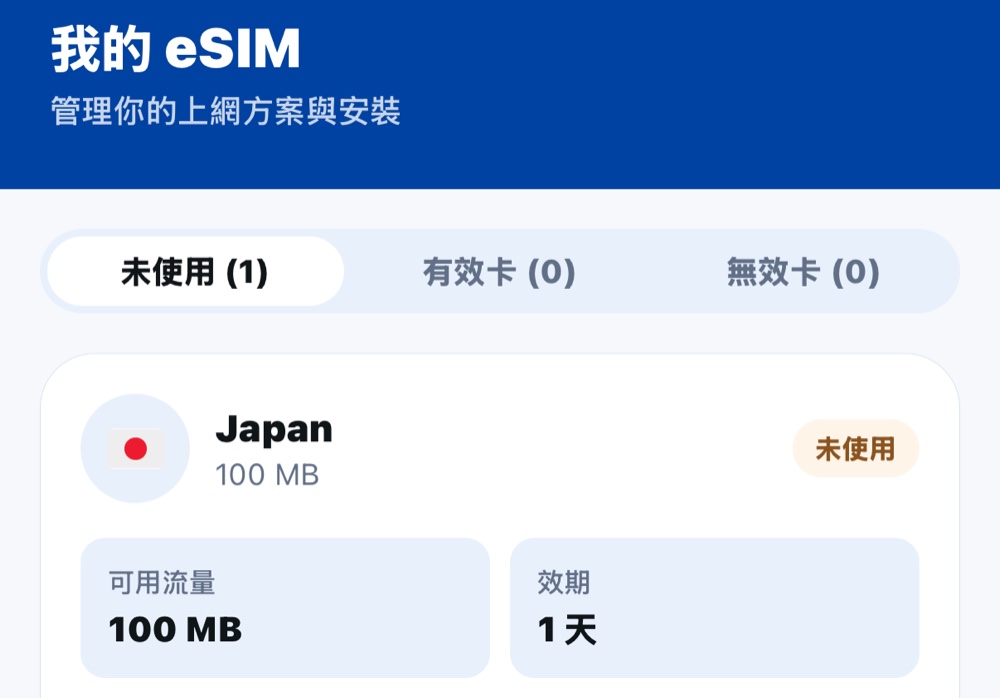
See your remaining data and expiry date under My eSIM. If your eSIM supports top-ups, you can buy more data in the app.
Confirm on the manufacturer’s website that your phone model supports eSIM, and check that the phone is carrier-unlocked.
Some plans start counting down as soon as you install the eSIM. Check your plan’s rules before deciding when to install it.
Enable the travel eSIM in your phone’s settings, select it for mobile data, and follow the in-app guide to turn on data roaming for that line.
Before you buy
A travel eSIM is a digital SIM you install on a compatible phone. It lets you get online with a travel data plan without inserting another physical SIM card.
Before you buy, check whether your phone model supports eSIM on the manufacturer’s website.
It depends on when your plan’s validity period starts. Check the rules for your plan before setting up the eSIM.
Open the card under My eSIM. If you see a Top up button, you can browse the available top-up plans.
Active plans show the last synced balance, so recent usage can take a little while to appear. Once a plan runs out, expires, or becomes invalid, the card shows 0 MB available. Plan details may still show the last synced balance.
Check the in-app setup guide to review the eSIM installation and setup steps.
VEYOKA · TRAVEL ESIM